
macOS
WillDeep
Native macOS agent workbench
A macOS native agent built around tasks and workspaces, with tool calls, reviewable diffs, remote runtimes, MCP, local Keychain credentials, and a fast built-in editor.
Independent software collection
11 current apps
No bloated feature lists; just everyday work made smoother. Native, focused, and designed to keep your data on your device whenever possible.
Every app has a stable download, documentation, and bug report entry under some.im.
macOS
Native macOS agent workbench
A macOS native agent built around tasks and workspaces, with tool calls, reviewable diffs, remote runtimes, MCP, local Keychain credentials, and a fast built-in editor.

macOS
Native Git client for macOS
Review working-tree changes, commit history, file diffs, remotes, tags, stashes, and worktrees in one focused app.

macOS
Native AI mail for macOS
Multi-account mail, a local store, AI summaries, translation, and reply drafting in one desktop client.
macOS
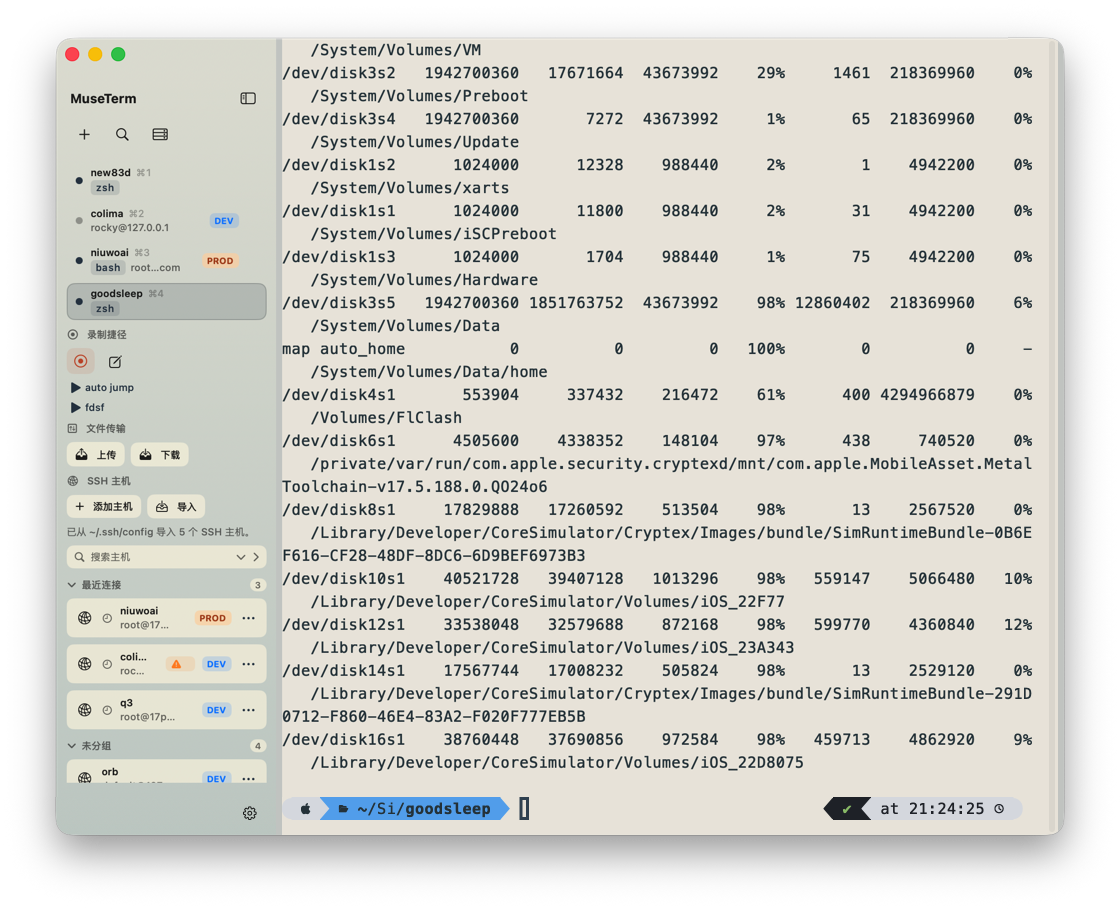
A native macOS terminal for you and your AI agents
Organize shells, SSH connections, and AI agents by project. Work in split panes and keep task status and pending items in view. A separate runtime keeps terminal sessions alive, while MCP collaboration, recorded shortcuts, and image / Markdown previews keep actions and results in one workspace.

macOS
Mac cleaner and uninstall helper
Clean caches, inspect storage, remove app leftovers, and protect sensitive apps before destructive operations.

macOS
Time tracking and self-serve billing
Turn automatically attributed project activity into invoice bundles and client-ready emails.

macOS
A modern Markdown reader
Outline navigation, full-text search, syntax highlighting, themes, and export.

macOS
A full-featured Markdown editor
Write durable notes and technical documents with math, syntax highlighting, and Mermaid.

macOS
Image editing and visual creation
A macOS image workbench for screenshots, canvas editing, layers, history, and export.
macOS
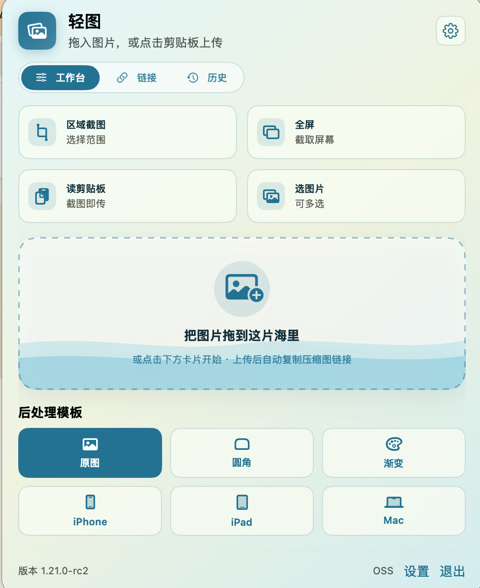
Menu-bar screenshots and your own image hosting
Capture full-screen or regional screenshots, paste or drag in images, or batch a folder; upload to your own object storage and copy shareable links.

macOS
Local file actions for macOS Finder
Run everyday file actions from Finder Quick Actions—convert, compress, rename, and more. Files are processed locally and saved as new files by default.